1
Create from text prompts
Describe products, concepts, scenes, portraits, or campaign ideas in natural language. Refine the direction until the output matches the brief and is ready for review.
Use a private AI image generator to turn text prompts and reference images into high-resolution visuals. Create new images, edit existing images, control aspect ratio and resolution, and track every generation in one studio.
USE CASES
Upload an image and turn its composition, lighting, colors, and style into a detailed AI image prompt.
Remove a photo background in seconds and download a clean transparent PNG for products, profiles, and design work.
Improve image clarity and resolution with AI. Sharpen product photos, artwork, and social visuals without a complicated editor.
Restore old family photos with AI. Remove scratches, dust, stains, and age damage while preserving the original people and scene.
Generate new visuals from precise production prompts.
Use reference images to guide edits and variations.
Pick the resolution that matches the job.
Upload multiple source images for controlled results.
Keep generated assets tied to your account.
Track generation cost before each submission.
AI IMAGE GENERATOR
AIGPTImage turns a written brief into a usable visual asset. Start from a prompt when you want a new image, or add reference images when the composition, product, palette, or style needs to stay under your control.
Describe products, concepts, scenes, portraits, or campaign ideas in natural language. Refine the direction until the output matches the brief and is ready for review.
Use image-to-image generation to preserve important visual details while changing lighting, materials, backgrounds, or the overall creative direction.
Choose 1K, 2K, or 4K resolution and select square, landscape, portrait, or social-friendly aspect ratios for the channel where the image will be used.
Every generation stays connected to your private account history. Review task status, see credit costs before submission, and download completed assets when they are ready.
TESTIMONIALS
Illustrative creator perspectives inspired by common image-production workflows. These are sample copy, not customer testimonials.
CORE FEATURES
Create new visuals from text prompts, guide edits with reference images, and organize private production assets without leaving the browser.
Create new visuals from text prompts, guide edits with reference images, and organize private production assets without leaving the browser.
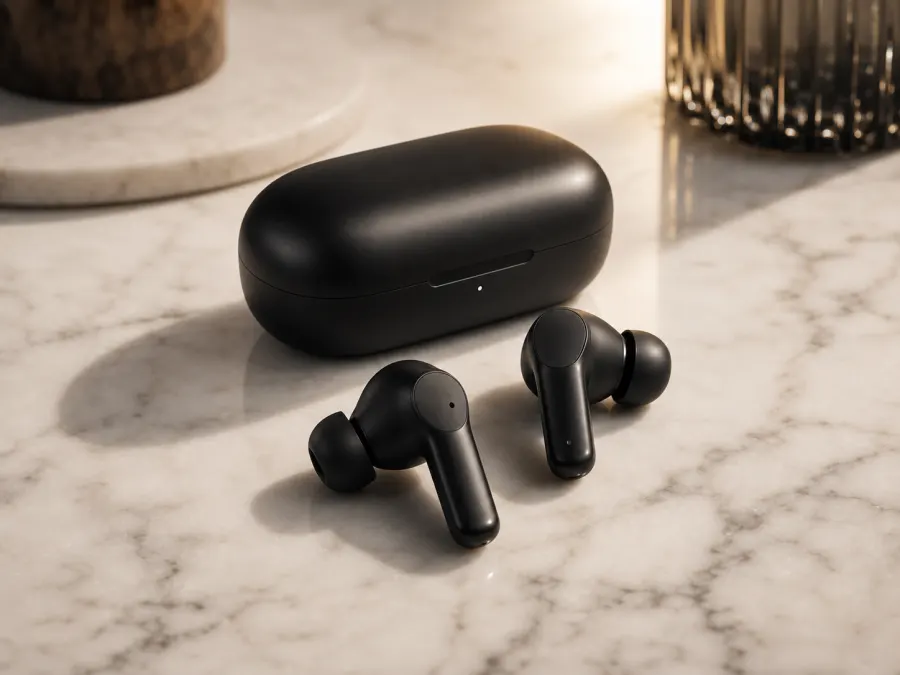
Text-to-image
Matte black wireless earbuds on pale marble with warm studio light.
WORKFLOW
Start with a text prompt, add reference images when you need image-to-image control, choose an aspect ratio and resolution, then submit the job. Track credits, task status, private history, and downloads in one workspace.
Start with a text prompt, add reference images when you need image-to-image control, choose an aspect ratio and resolution, then submit the job. Track credits, task status, private history, and downloads in one workspace.
Start from a prompt or switch to reference-guided editing.
Attach JPG, PNG, or WEBP references for image-to-image tasks.
Pick square, landscape, portrait, or social ratios at 1K-4K.
Watch task status, keep history, and download final images.
PRODUCTION STATS
Clear controls for credits, references, and final output size
starter credits
reference images per task
output resolutions
PRODUCTION STACK
The homepage promises map directly to the generation, storage, credit, and safety systems behind the studio.
Choose monthly credits or one-time packs for image production
FAQs
Try the AI image generator with a text prompt or reference image, choose your output settings, and keep every generation organized in private history.
Newsletter
Subscribe to our newsletter for the latest news and updates